
Tips for Setting Boundaries with Notifications to Boost Focus
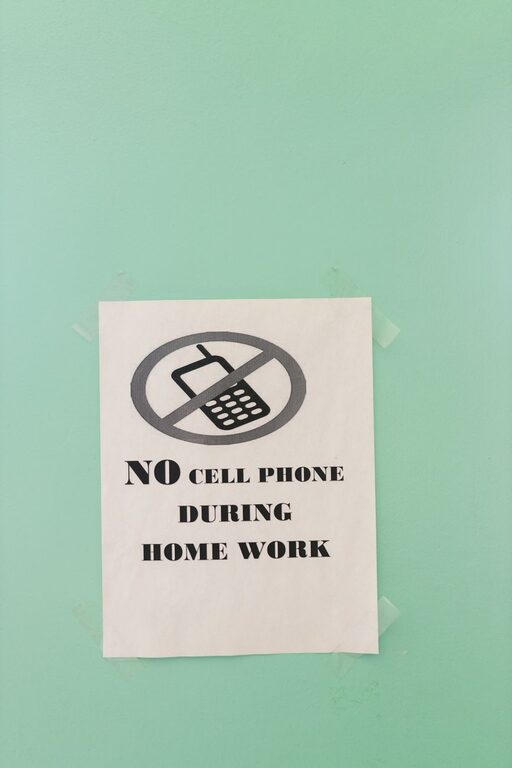
In our hyper-connected world, notifications are a constant presence, vying for our attention throughout the day. While they can be helpful reminders and updates, an overload of notifications often leads to distraction, stress, and reduced productivity. Setting clear boundaries with your notifications is an essential step toward reclaiming your focus and maintaining a balanced digital life.
In this post, we’ll explore practical tips for managing notifications effectively, helping you stay in control of your time and attention.
Why Set Boundaries with Notifications?
Before diving into tips, it’s important to understand why notification boundaries matter. Constant alerts can:
– Interrupt deep work or relaxation
– Increase stress and anxiety
– Reduce your ability to concentrate
– Cause unnecessary interruptions during meetings or conversations
By managing notifications thoughtfully, you create space to focus on what matters most without feeling tethered to your devices.
Assess Your Current Notification Habits
Start by evaluating how notifications currently affect your day:
– Which apps send the most notifications?
– Are any notifications truly urgent?
– How often do you check your device because of alerts?
– Does notification overload impact your mood or productivity?
This reflection helps you identify areas to improve and set realistic boundaries.
Practical Tips for Setting Notification Boundaries
1. Customize Notification Settings on Each Device
Most smartphones and computers let you tailor notifications:
– Turn off non-essential app alerts.
– Use “Do Not Disturb” modes during meetings, focus times, or at night.
– Allow notifications only from priority contacts or apps.
By personalizing settings, you prevent unnecessary distractions without missing important messages.
2. Schedule “Notification-Free” Periods
Designate portions of your day when notifications are disabled or minimized:
– Use focus modes or airplane mode during deep work sessions.
– Set quiet hours in the evening to wind down.
– Reserve breaks to check messages rather than responding immediately.
Scheduled breaks create healthier rhythms between connectivity and downtime.
3. Unsubscribe from Email and App Notifications You Don’t Need
Over time, we accumulate unwanted subscriptions and app alerts:
– Review email newsletters and unsubscribe from those you no longer read.
– Disable push notifications from apps that don’t add value.
– Consolidate alerts when possible (for example, using a single app for social media instead of multiple).
Reducing the volume of incoming alerts lightens your digital load.
4. Leverage Notification Summary Features
Some devices have options to group or summarize notifications:
– Receive batches of notifications at set times rather than instantly.
– Review summaries at convenient moments instead of throughout the day.
This helps avoid constant interruptions while keeping you informed.
5. Communicate Your Boundaries to Others
Let colleagues, friends, and family know about your notification preferences:
– Share your typical response times.
– Use status messages or profiles to signal focus periods.
– Encourage alternative ways to reach you for urgent matters.
Clear communication supports respect for your boundaries.
6. Use Technology to Your Advantage
Many productivity tools can assist notification management:
– Apps that block notifications or restrict phone usage temporarily.
– Tools that prioritize incoming messages based on importance.
– Features that allow quick responses without opening full apps.
Experiment to find solutions that fit your workflow.
Benefits of Setting Notification Boundaries
Many people who take control of their notifications report:
– Increased concentration and productivity
– Reduced stress and anxiety
– More meaningful engagement during social interactions
– Better sleep quality
– Enhanced overall well-being
These advantages show that mindful notification management is a small change with a big impact.
Tips for Maintaining Your Notification Boundaries
– Regularly review your settings to adapt to changing needs.
– Reflect weekly on how notifications affect your focus and mood.
– Stay patient as you develop new habits.
– Celebrate improvements to stay motivated.
Remember that boundaries are flexible and can evolve as your priorities shift.
Conclusion
Setting boundaries with notifications is a powerful way to protect your time, focus, and peace of mind. By customizing alerts, scheduling notification-free periods, reducing unnecessary subscriptions, and communicating clearly with others, you can regain control over your digital environment. Start small, experiment with what works best, and enjoy the benefits of a more focused, balanced life.
Take a moment today to assess your notifications and make one simple change—you’ll be surprised at the difference it can make!
Related Post

How to Design a Weekly Reset Routine for a Fresh Start
A weekly reset routine helps you recharge, refocus, and set clear goals for the week [...]

Desk Setup Tips for Focus and Comfort
Create a workspace that boosts your focus and comfort with simple desk setup tips to [...]

How to Keep Your Emails Under Control and Stay Organized
Learn practical tips to manage your inbox, reduce email overload, and stay on top of [...]